

Download Wolf CM Security Theme – Android, Free, Lifestyle Apps, Blogs & News
Overview
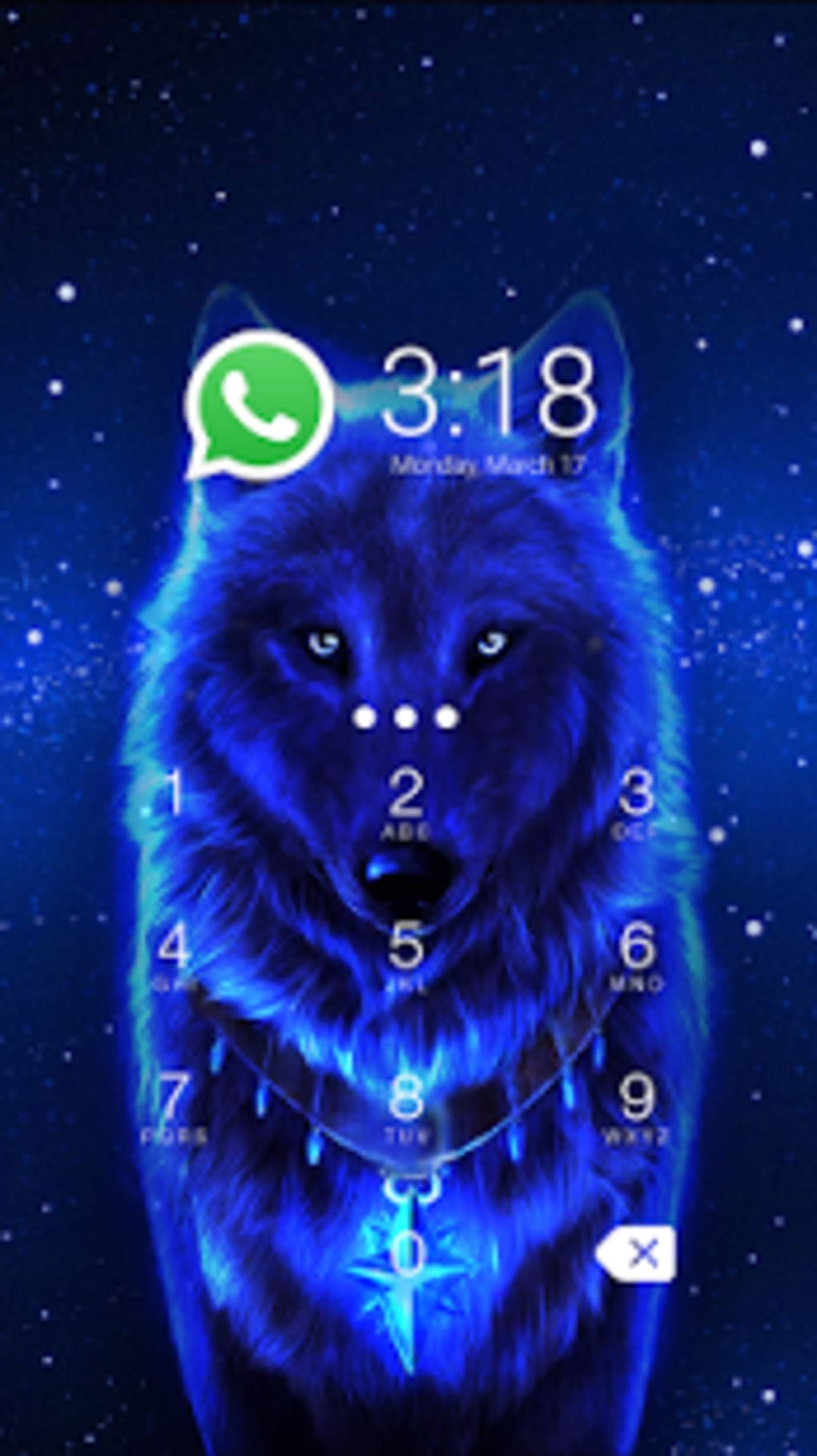
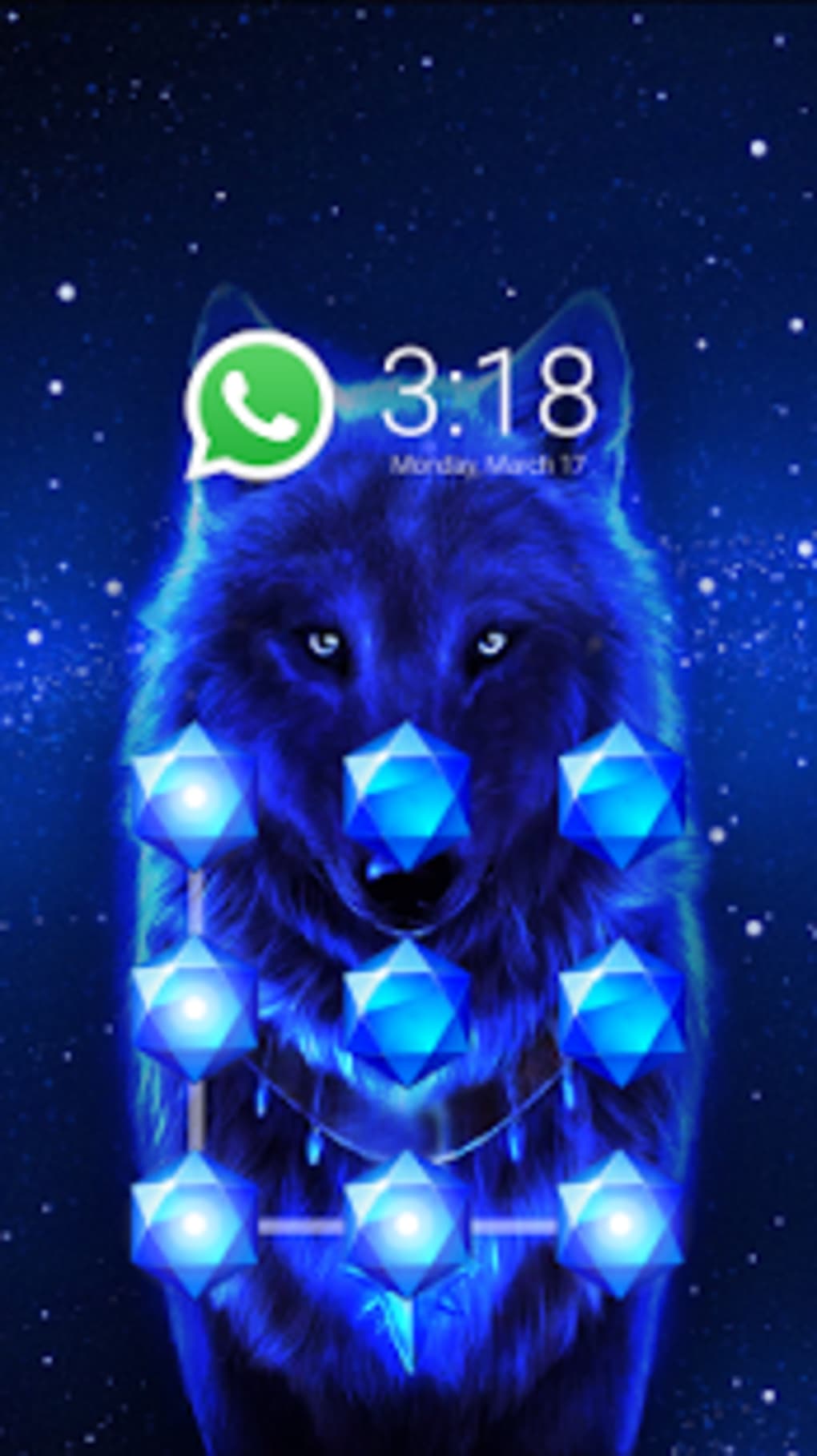
Wolf CM Security Theme is a free Android application designed to enhance the visual and functional experience of mobile devices through a custom theme interface. Tailored for users interested in lifestyle and personalization, the app falls within the category of Lifestyle Apps, specifically under Blogs & News. Its primary purpose is to offer a distinctive theme that aligns with the aesthetic and branding of the Wolf CM Security community, providing users with a cohesive look across their device interface.
The app is intended for Android users who appreciate thematic customization and are engaged with content related to security awareness, digital safety, and community-driven platforms. It enables users to personalize their device’s appearance with a consistent visual identity, potentially improving user engagement with the associated content or community. The theme may be used in conjunction with other tools or apps within the same ecosystem, though specific integration details were not provided.
As a free application, Wolf CM Security Theme offers accessibility to users who wish to explore a branded interface without cost. The software has been available since January 31, 2017, and has seen limited adoption, with only six installations recorded since its inclusion in the platform. Despite its minimal user base, the app remains functional and accessible for those seeking a thematic experience on Android devices running version 4.3 or later.
Key Features & Capabilities
- Custom Theme Interface – Provides a unique visual design that reflects the Wolf CM Security branding, allowing users to personalize their device’s look and feel.
- Android Compatibility – Designed to run on Android 4.3 and above, ensuring broad accessibility across older and newer devices.
- Language Support – Available in multiple languages, including English and Japanese, supporting a diverse user base.
- Free to Use – No cost is associated with downloading or using the theme, making it accessible to a wide audience.
- Lightweight Design – The app is optimized for minimal impact on device performance, though specific resource usage details were not specified.
Users can apply the theme to their device’s home screen, icons, and system UI elements, creating a consistent visual experience. This is particularly useful for individuals who follow security-focused content or are part of the Wolf CM Security community. The theme may also serve as a subtle reminder of digital safety practices, reinforcing awareness through visual cues. Its lightweight nature suggests it is suitable for devices with limited storage or processing power.
User Interface, Workflow & Performance
The user interface of Wolf CM Security Theme is designed to be straightforward and minimal, focusing on theme application rather than complex navigation. Users are guided through a simple workflow: download the app, launch it, and apply the theme to their device. The interface likely includes basic options for theme activation, preview, and settings, though detailed information about layout or controls was not provided.
Given its purpose as a theme application, the workflow is expected to be efficient, requiring minimal user input. The app likely integrates with the device’s built-in theme manager, allowing for seamless activation. Performance is expected to be stable, as theme apps typically do not consume significant system resources. However, exact performance details were not specified by the developer.
Stability and CPU/RAM behavior were not disclosed. General software behavior suggests that such applications remain active in the background only during theme application, with negligible impact on device performance. Users may experience brief delays during theme loading, but no reports of crashes or malfunctions were noted. The developer did not provide additional system requirements or performance benchmarks.
Compatibility & System Requirements
Wolf CM Security Theme is compatible with Android 4.3 and later versions, ensuring support for a wide range of devices launched over the past decade. This includes many older smartphones and tablets, enhancing accessibility for users with legacy hardware. The app is available for download on the Android platform and does not support other operating systems.
The installation size varies depending on the device and the specific theme assets included. The developer did not specify the exact file size or storage requirements. As a result, users should allocate sufficient space based on their device’s available memory. No hardware-specific requirements were mentioned, though typical theme apps function well on devices with standard RAM and processor capabilities.
Compatibility information was partially provided. The app is not available for iOS, Windows, or Mac systems. Users should ensure their device meets the minimum Android version requirement before attempting installation. The app supports multiple languages, including English and Japanese, which may affect the interface display based on the device’s language settings.
Pros and Cons
Pros
- Free to download and use with no hidden costs
- Supports Android 4.3 and later, ensuring broad compatibility
- Available in multiple languages, including English and Japanese
- Lightweight and designed for minimal system impact
- Offers a consistent visual identity for users of the Wolf CM Security community
Cons
- Only available for Android, limiting cross-platform use
- No detailed information on system requirements or file size
- Minimal user base with only six installations recorded
- No official updates since 2017, raising concerns about long-term support
- Limited functionality focused solely on visual theme application
FAQ Section
Is Wolf CM Security Theme available for iOS devices?
No, the app is exclusively designed for Android and is not compatible with iOS systems.
Can I use Wolf CM Security Theme offline?
Yes, once downloaded and installed, the theme can be applied and used without an internet connection.
Is the software safe to download and install?
Yes, the app is free and available through official channels. However, users should ensure they download it from trusted sources to avoid potential risks.
Does the app require a license or subscription?
No, Wolf CM Security Theme is completely free to use with no license or subscription required.
How often is the app updated?
The last update was released on January 31, 2017. No further updates have been issued since then.
Final Thoughts
Wolf CM Security Theme delivers a focused and simple experience for Android users seeking a branded visual theme. While its functionality is limited to interface customization, it serves its purpose well for individuals interested in the Wolf CM Security community or digital security awareness. The app’s free nature and broad Android compatibility make it accessible to a wide audience, especially those using older devices.
However, the lack of recent updates and minimal user adoption raise questions about long-term viability and support. Users should be aware that the app has not been maintained since 2017, which may affect compatibility with newer Android versions or security standards. Despite this, it remains a viable option for those who value visual consistency and are not reliant on advanced features.
For users who prioritize lightweight, free, and thematic customization on Android, Wolf CM Security Theme is worth considering. Download it now to personalize your device with a unique, community-driven look.
Download Wolf CM Security Theme now





.png)

